
EK1 Bonus and Rewards Overview
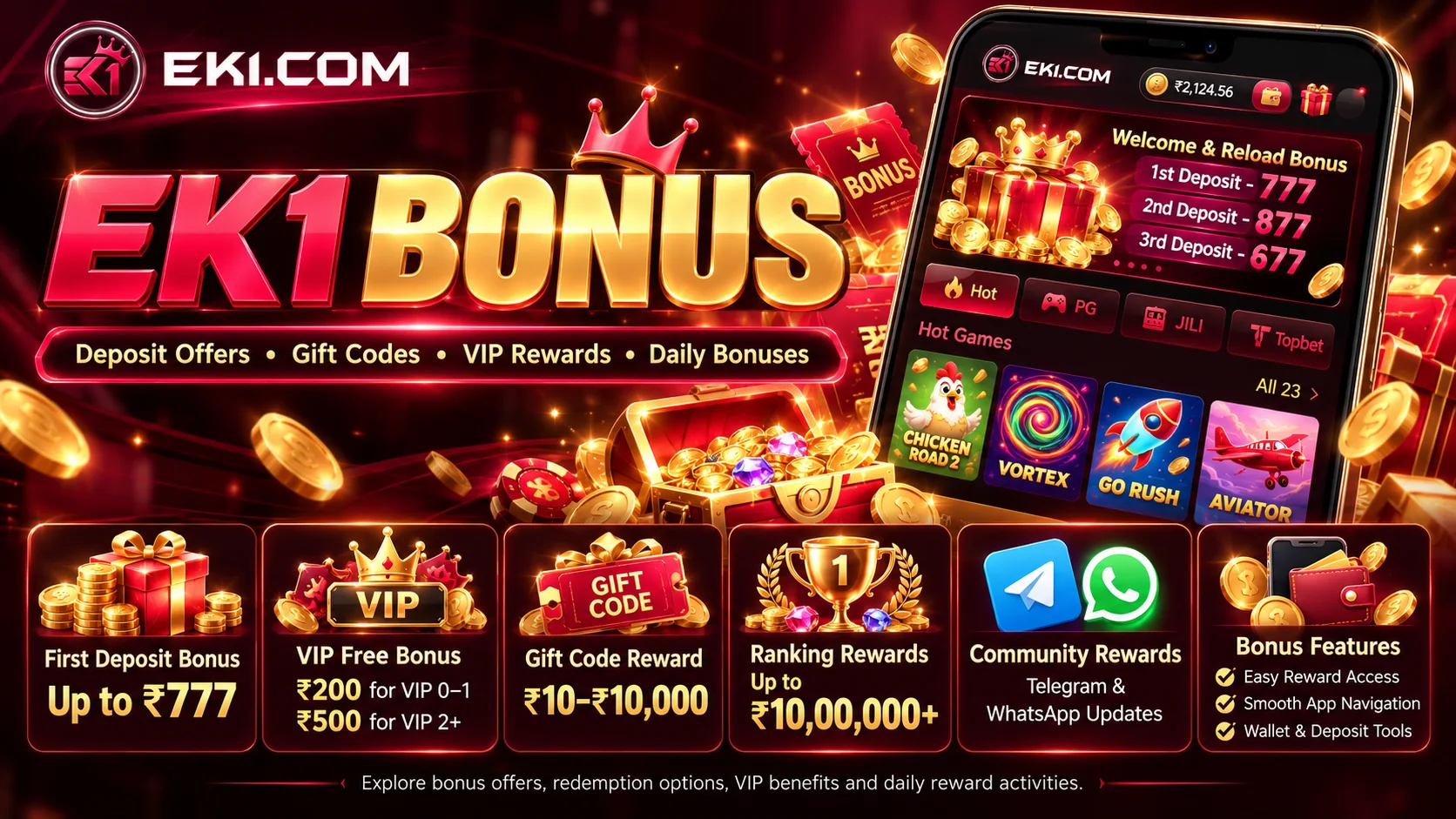
EK1 Bonus brings together promotional activities in the EK1 Game app, including first deposit rewards, VIP free offers, gift code redemption, ranking campaigns and community rewards. A first deposit reward is linked to the first qualifying payment; gift codes are redeemed in the app; VIP, ranking and referral activities have separate claim steps.
The offers have different claim methods, qualification rules and crediting conditions. Check the active promotion for its eligibility, expiry date and reward amount.
What Is EK1 Game?
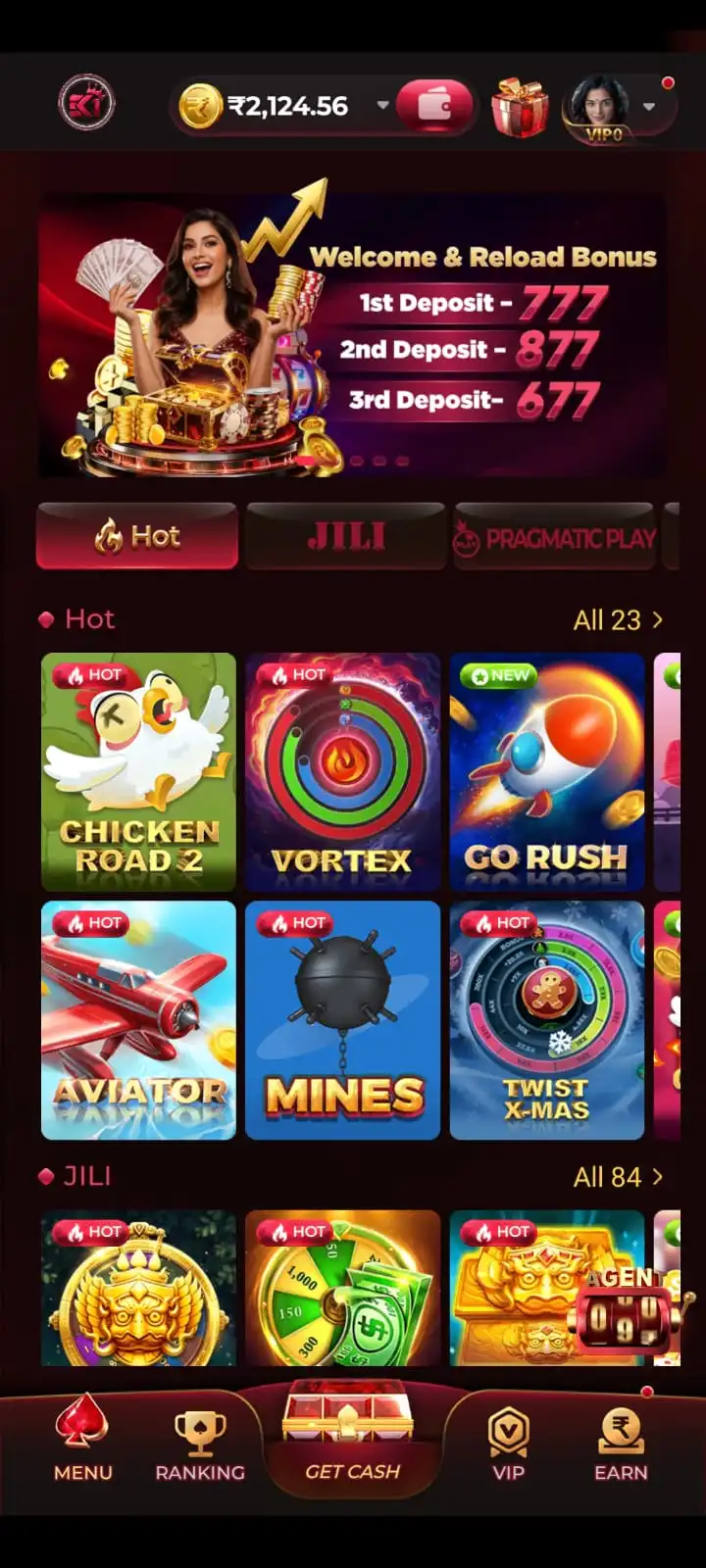
EK1 Game is an Android gaming application with several game categories in one mobile interface. Users can browse available games, access account settings and review wallet records and promotional activities.
- Crash and quick games: Aviator, Mines, Plinko and Dice.
- Card games: Rummy, Teen Patti and Andar Bahar.
- Slots: JILI, PG and Pragmatic Play collections, with title-specific reels and paytables.
- Fishing and casino-style games: Fishing, Roulette, Evolution and KoolBet titles.
Some activities involve real-money wagering and may result in financial loss. For general navigation and installation instructions, read the EK1 App guide or EK1 Download guide.
EK1 Game Key Features
- Android application: Mobile game categories and account navigation.
- Game selection: Crash, slots, card, fishing and casino-style categories.
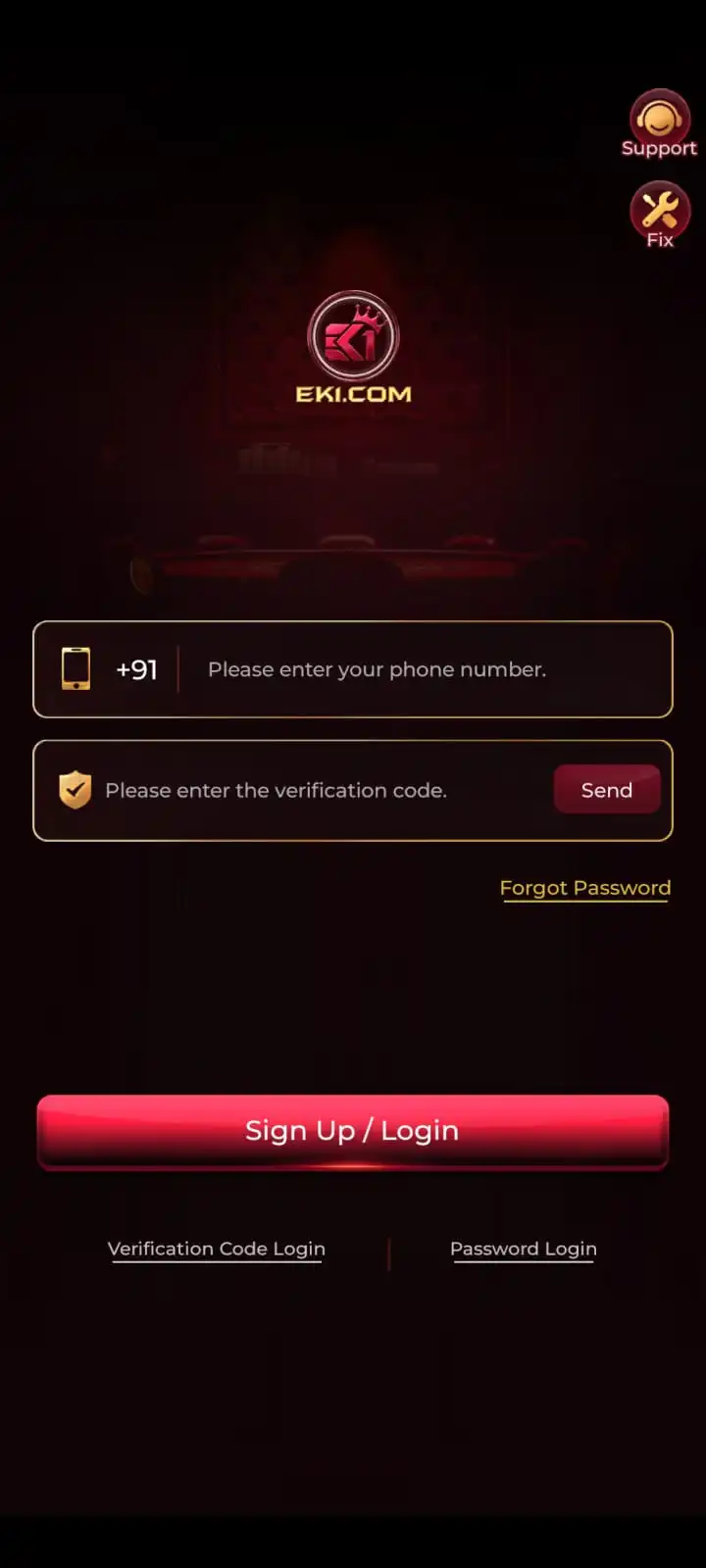
- Account access: Mobile verification code login and password login options.
- Account security: Login password settings within Account & Security.
- Wallet management: Deposit, withdrawal and balance records.
- Payment interface: PayTM, PhonePe and transaction-specific QR or UPI instructions.
- Promotions: First deposit rewards, VIP free offers, gift codes and ranking activities, subject to terms.
- Community updates: Telegram and WhatsApp promotional announcements where available.
- Help options: In-app support for relevant account or payment problems.
EK1 Bonus Offers at a Glance
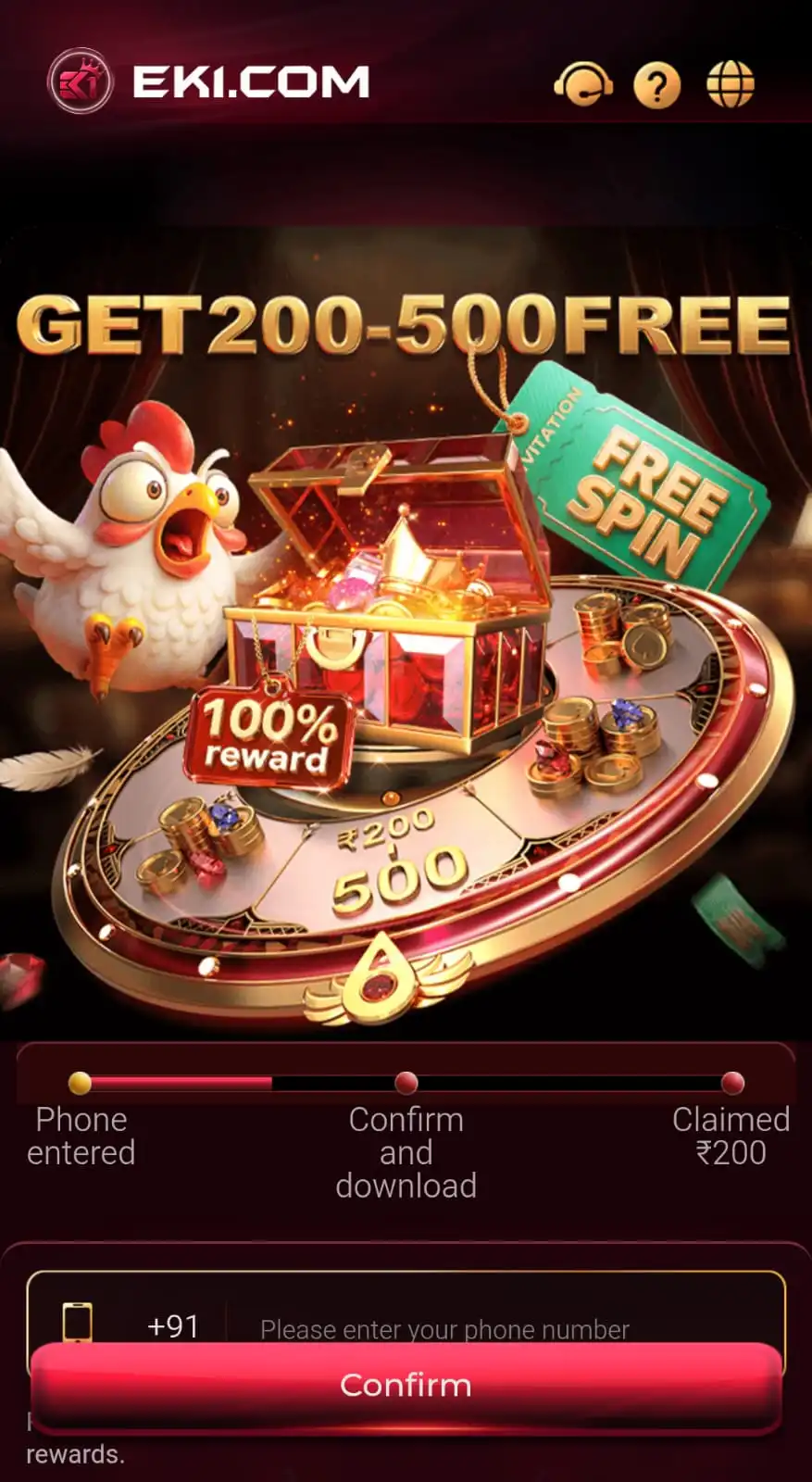
EK1 Game lists a ₹200–₹500 bonus range in its main app information. The promotions below include separate first deposit, VIP, code redemption, community and ranking offers with their own amounts and conditions.
The figures belong to different promotions. Each activity has its own qualifying steps and withdrawal conditions.

EK1 First Deposit Bonus – Up to ₹777
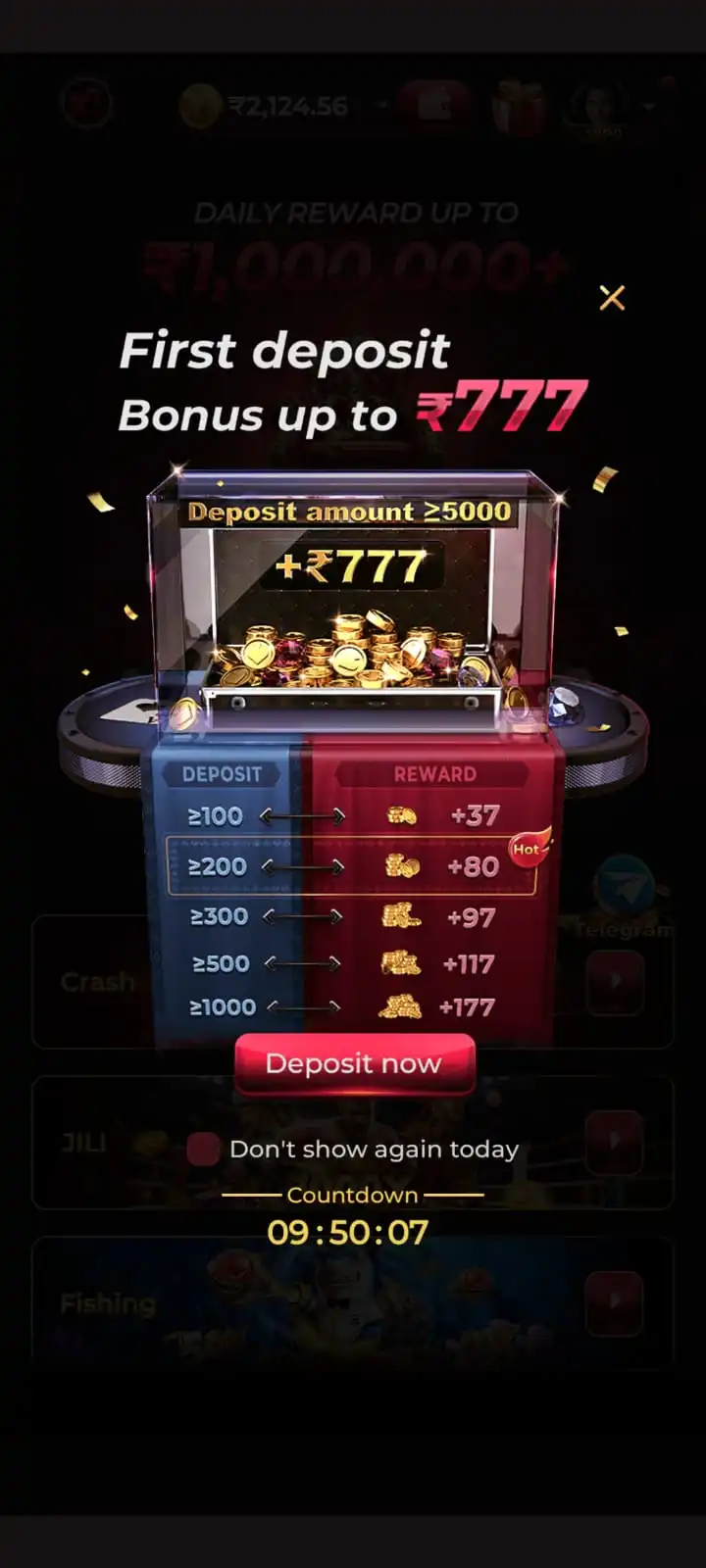
The EK1 First Deposit Bonus advertises an extra reward for an eligible account’s qualifying first payment. The Wallet → Deposit screen shows preset amounts with their respective extra bonuses. The displayed total combines the chosen deposit and its advertised reward; it is not a promise of immediate withdrawal eligibility.
EK1 First Deposit Bonus Chart
| Deposit Amount | Extra Bonus | Promotional Total |
|---|---|---|
| ₹100 | +₹37 | ₹137 |
| ₹200 | +₹80 | ₹280 |
| ₹300 | +₹97 | ₹397 |
| ₹500 | +₹117 | ₹617 |
| ₹1,000 | +₹177 | ₹1,177 |
| ₹2,000 | +₹377 | ₹2,377 |
| ₹3,000 | +₹477 | ₹3,477 |
| ₹5,000 | +₹777 | ₹5,777 |
For example, the ₹1,000 deposit option displays an additional ₹177, while the ₹5,000 option displays the highest extra reward in this chart. Review the offer shown to your account before making any payment.
Important: A ₹3,000 turnover requirement is not a request to deposit another ₹3,000 and does not mean you will receive ₹3,000 back. Qualifying play can involve losses; check how your account tracks the requirement.
First Deposit Bonus: 3× Wagering Requirement
- Displayed condition: After participating in the first deposit event, withdrawal is subject to turnover equal to 3 times the deposit amount.
- Example: For a ₹1,000 deposit, the stated condition corresponds to ₹3,000 in qualifying turnover.
- Not another payment: Turnover does not mean depositing another ₹3,000 or receiving guaranteed winnings.
- Check eligibility: Confirm which activities count and how the app tracks the requirement under current offer terms.
How to Claim the EK1 First Deposit Bonus
- Open EK1 and sign in to the eligible account.
- Navigate to Wallet → Deposit.
- Review the available deposit amounts and advertised bonuses.
- Select your intended deposit amount.
- Choose an available payment method, such as PayTM or PhonePe.
- Confirm the displayed payment details and promotional amount.
- Tap Pay Now and follow the payment instructions.
- Return to EK1 and review the transaction record and wallet balance.
- Check whether the qualifying reward has been credited and review its terms.
The deposit screen describes typical crediting within 1–5 minutes and advises contacting Customer Service if a completed payment is still missing after 30 minutes. Do not alter the stated payment amount or reuse an old QR code or UPI destination. See the EK1 Deposit guide for the full payment process.
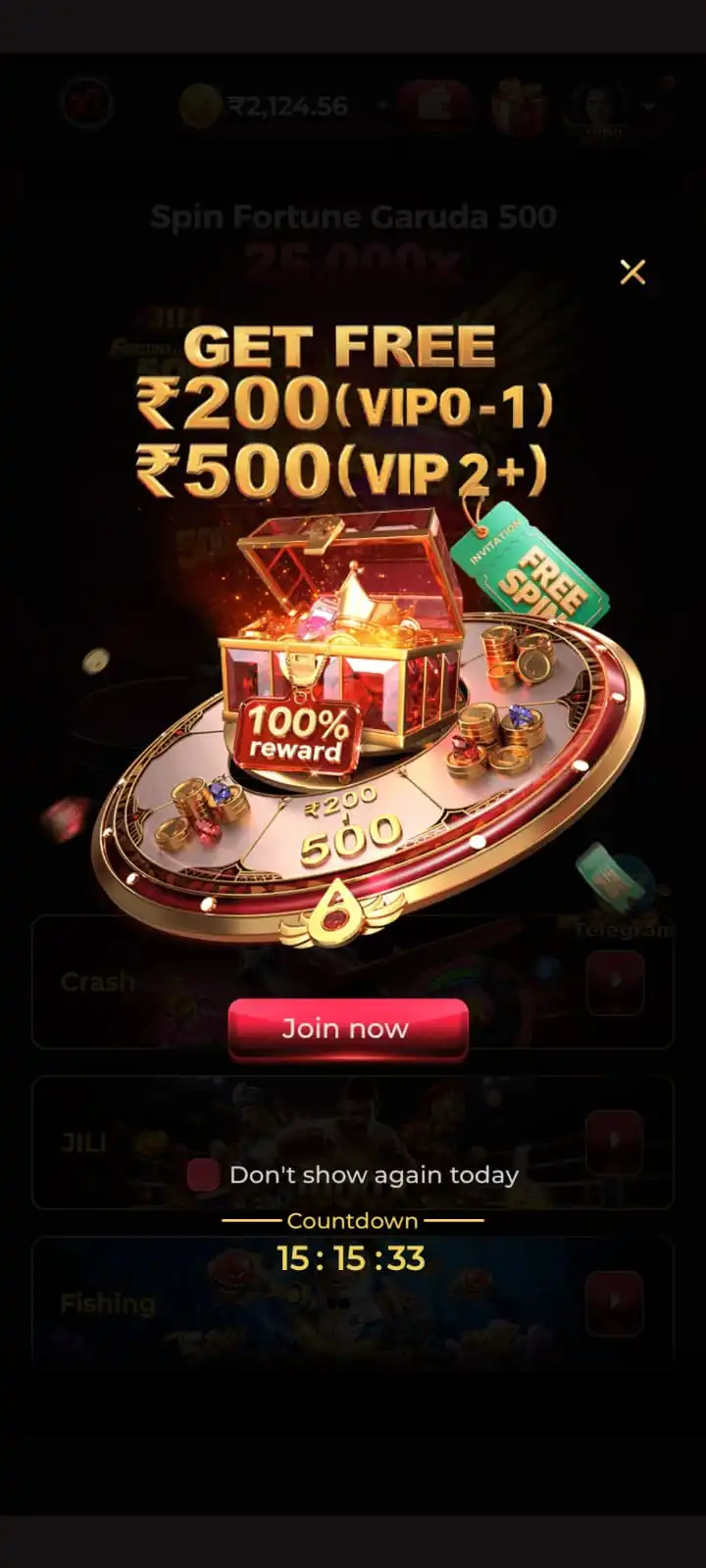
EK1 VIP Free Bonus – ₹200 and ₹500
EK1 displays a separate VIP-related promotion advertising ₹200 for VIP 0–1 and ₹500 for VIP 2+, alongside a Free Spin activity. Select the relevant VIP activity and follow its qualifying and claiming steps.
How to Check the VIP Free Reward
- Sign in and open the Promotion section.
- Find the VIP reward or Free Spin activity.
- Confirm your account’s VIP level.
- Read the activity’s claim and participation instructions.
- Complete any required action and review the reward result.
EK1 Gift Code – Reward Redemption Code
An EK1 Gift Code, also called a redemption or bonus code, can be submitted in the Reward Redemption Code screen. The redemption screen lists a reward range of ₹10–₹10,000, depending on the current valid code and account eligibility.
How to Redeem an EK1 Gift Code
- Open the EK1 app and sign in.
- Navigate to Reward Redemption Code through the available promotional interface.
- Obtain a current code from the relevant promotional announcement.
- Enter it in the Please enter the gift code field.
- Check for typing errors and tap Confirm.
- Read the result and check the account reward record.
EK1 Gift Code Conditions
- 1× turnover: the redeemed reward requires one-time wagering turnover before withdrawal.
- Phone binding: the account must have a linked mobile number.
- Bank binding: a bank account must be linked to participate.
- Ownership: only the eligible account owner may redeem the code.
- Restricted activity: account renting, bots, cheats, exploits and coordinated abuse are prohibited; the promotion lists account or reward sanctions for violations.
These conditions apply to gift code redemption. First deposit, VIP and ranking activities have their own requirements.
EK1 Festival Gift Codes and Special Promotions
Limited-time EK1 gift code campaigns may be announced for festivals or community events. Festival promotions can appear around events such as Diwali and Holi. Check the latest announcement rather than relying on old messages or screenshots.
- Open EK1’s Promotion area.
- Find the current gift code or community activity.
- Follow the community destination linked in the promotion.
- Read the code, expiry details and eligibility requirements.
- Return to the app and redeem the code in Reward Redemption Code.
Codes may expire, reach a redemption limit or apply only to certain accounts. Never provide a password or OTP to someone offering a festival code.
EK1 Telegram Bonus and Community Rewards
EK1 promotions include Telegram and WhatsApp community announcements, gift codes and exclusive reward activities. A Telegram promotion lists rewards up to ₹7,777; check that campaign for its code, deadline and qualifying steps.
How to Check Community Reward Announcements
- Open Promotion in the EK1 app.
- Select the current community or Telegram banner.
- Check the destination opened by the in-app promotion.
- Read the published code, deadline and qualifying conditions.
- Redeem an eligible code only in the EK1 redemption interface.
For general updates, the website also provides Join Telegram – Gaming Updates. For reward codes issued through EK1, use the community link displayed in its Promotion section.
EK1 Ranking and Daily Rewards
The EK1 Promotion section lists daily ranking rewards up to ₹10,00,000+. Open the ranking activity to review the current leaderboard, qualification rules and individual prize details.
How to Check Ranking Rewards
- Open Promotion and choose the current ranking activity.
- Review its participation period, qualification rules and available ranking information.
- Check recorded progress, if the app displays it.
- Review the outcome and reward status after the campaign period.
EK1 Daily Bonus Activities
The 7 Days Daily Bonus and other recurring activities may use different claim windows. Check the daily reward screen for eligibility, the applicable day, available amount and claim status.
EK1 Referral Bonus and Invitation Rewards
Referral rewards are separate from first deposit and gift code bonuses. The account’s invitation section shows the active reward, required qualifying actions and referral status.
- Open your EK1 account and locate the available invitation activity.
- Read its qualification and referral rules.
- Use the invitation method shown in your account.
- Check the completion status and any recorded eligible reward.
How to Check EK1 Bonus Eligibility
Before trying to claim a EK1 Bonus, match the promotion displayed in your own account with the activity described on this page. First deposit rewards, VIP activities, gift codes, ranking and referral rewards are separate offers: qualifying for one does not automatically qualify you for another.
- First deposit status: Confirm whether the payment is your first qualifying deposit and whether the offer is shown on the Wallet → Deposit screen.
- VIP level: Check the current VIP level shown in the app and compare it with the relevant promotion's eligibility conditions.
- Gift code account checks: Confirm that the mobile number and bank account are linked when required by the gift-code terms.
- Dates and limits: Review the promotion's start and end times, claim windows, available code quantity and account-specific restrictions, where shown.
- Turnover: Read the wagering requirement that applies to that particular reward rather than assuming all bonuses have the same conditions.
- Claim records: Check the activity, wallet and reward history for any existing participation or previously claimed amount before retrying.
Can You Combine Multiple EK1 Bonuses?
Do not assume that VIP, first deposit, gift code or referral rewards can be combined. Look for an explicit stacking or exclusivity rule in each current promotion. When no combined-use rule is displayed, confirm eligibility through the app's support route before taking an action that involves money.
EK1 Bonus Balance vs Withdrawable Balance
The value advertised in a bonus campaign is not necessarily the amount available for immediate withdrawal. Deposit amount is the money paid into the account; bonus credit is a promotional addition; promotional total is the combined figure presented by an offer; and withdrawable balance is the amount the app currently makes eligible for withdrawal under its rules.
For instance, the first deposit chart lists a ₹1,000 payment with a ₹177 extra bonus and a ₹1,177 promotional total. That illustration does not establish that ₹1,177 can be transferred to a bank immediately. The same promotion states a 3× deposit turnover condition, while the described gift code reward has a different 1× turnover condition. Qualifying gameplay can result in financial loss.
How to Track an EK1 Reward Claim
- Open the promotion involved and check its current claim instructions and eligibility.
- Review any claim-result message shown after submission.
- Compare the account's Wallet, reward history and transaction records, where available.
- Check whether the credited amount is a bonus balance or marked withdrawable.
- If the reward is missing, record the promotion name, claim time, relevant transaction reference and exact error text before contacting in-app Customer Service. Do not share your OTP, password or UPI PIN.
What If a Promotion Has Expired?
An expired activity may no longer permit new claims or code redemption. Check the account's existing reward record and the promotion's expiry and forfeiture terms. Do not deposit again or create another account to bypass an expired offer; ask the in-app support channel about a previously qualifying claim if its status remains unclear.
EK1 Bonus Wagering and Withdrawal Rules
A promotional reward may remain restricted until the account meets that offer’s turnover, verification and withdrawal conditions. Gift code rewards list 1× turnover; the first deposit offer lists 3× the deposit amount. Other activities may have separate rules.
- Bonus credit: a promotional reward added after an eligible activity.
- Turnover requirement: qualifying wagering needed under a particular offer.
- Withdrawable balance: funds the account currently allows to be withdrawn.
- Account verification: required phone, bank or other checks.
- Expiry and eligibility: promotional deadlines and account restrictions, where specified.
Review the current wallet and account terms before submitting a withdrawal. The EK1 Withdrawal guide explains bank details and withdrawal status.
EK1 Bonus Not Received – Problems and Fixes
First Deposit Bonus Not Credited
- Confirm the initial payment completed and the offer applied to the account.
- Review Wallet and transaction records before trying another payment.
If the payment is completed but the reward is still missing, check any available claim status or transaction reference and use in-app Customer Service. Do not share an OTP, login password or UPI PIN.
Gift Code Is Invalid or Expired
- Check code characters and expiry date.
- Review account eligibility; an older code may no longer work.
Gift Code Bonus Cannot Be Withdrawn
- Review the required 1× turnover.
- Confirm linked mobile number and bank account.
VIP Free Bonus Is Missing
- Check the account VIP level.
- Review Free Spin and other claim steps.
Deposit Payment Is Pending
- Check Wallet and payment records first.
- If a completed payment is missing after 30 minutes, use in-app Customer Service.
Community, Ranking or Referral Reward Is Missing
- Review the current announcement, eligibility and participation record.
- Use in-app support for unresolved qualifying rewards; never share a password or OTP.
EK1 Bonus Frequently Asked Questions
What is EK1 Bonus?
EK1 Bonus covers promotional offers displayed in the EK1 Game app, including first deposit rewards, VIP offers, redemption codes, ranking activities and community promotions.
How much is the EK1 First Deposit Bonus?
The displayed extra first deposit rewards range from ₹37 on ₹100 to ₹777 on ₹5,000, depending on the qualifying amount and offer terms.
What bonus is shown for a ₹2,000 first deposit?
The EK1 first deposit chart shows an extra ₹377 for the ₹2,000 option, giving a promotional total of ₹2,377, subject to qualification.
Does EK1 offer a ₹200 or ₹500 VIP free bonus?
The promotional screen advertises ₹200 for VIP 0–1 and ₹500 for VIP 2+ accounts. Check the current activity for its actual claim and Free Spin conditions.
What is an EK1 Gift Code?
It is a code entered through Reward Redemption Code in the app. The displayed possible bonus range is ₹10–₹10,000, depending on the code and eligibility.
How do I redeem an EK1 Bonus Code?
Open the Reward Redemption Code section, enter a valid current code, tap Confirm and check the result and reward record.
Are EK1 Telegram Gift Codes available every day?
Not necessarily. Community code announcements, validity periods and eligibility may change. Check the community destination linked from the current in-app promotion.
Can EK1 Festival Gift Codes expire?
Yes. Limited-time redemption campaigns may have deadlines, limits and account restrictions. Check the current announcement.
Do EK1 Gift Code rewards require wagering?
Gift code redemption requires 1× turnover before withdrawal and requires a linked mobile number and bank account. Other offers may have separate requirements.
Does EK1 advertise daily ranking rewards?
The app promotion screen advertises ranking rewards up to ₹10,00,000+. Individual awards depend on the ranking activity and its qualifying rules.
Can I withdraw a EK1 bonus immediately?
Not necessarily. Promotion-specific wagering rules, verification and the withdrawable balance determine eligibility.
What if my EK1 bonus is not credited?
Check the offer terms, claim status, account verification, wallet records and transaction status; use in-app Customer Service for an unresolved qualifying reward.